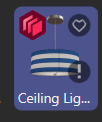
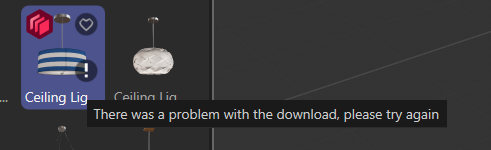
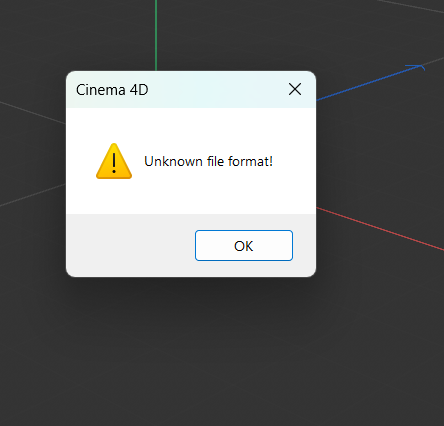
Cinema 4D Assets Browser unknown file format error
-
Hello,
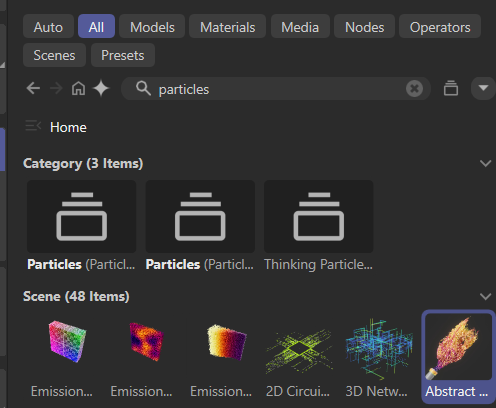
I am currently trying to download the particle examples in Cinema 4D 2026.1.2. Asset Browser. Some particle scenes download without any issues, while others consistently return an error. My internet connection is working correctly, and I have already reinstalled Cinema 4D several times, but the problem persists.What should I do next?
Thanks in advance.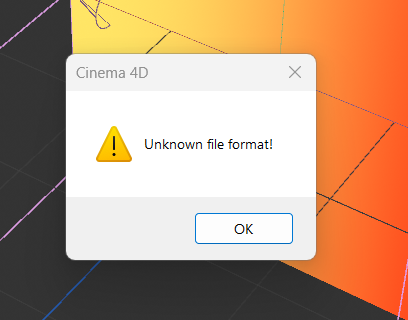 
-
Hi specific-chemical,
Sorry about the trouble.
Could you please check if this file works for you?
CV4_2026_drs_26_Abstract Flame.c4dCheers
-
Sorry for the late reply! I thought something was wrong with my PC, so I ordered new parts to test it, but the issue persists. Interestingly, before I downloaded your project file, it was impossible to download the 'Abstract Flame' file. Once I downloaded your provided file then the assets browser allowed me to download Abstract Flame file as many times as i tried. However, the problem isn't just with 'Abstract Flame'; it's happening with other files too, like 'Stick and Unstick Particles' and 'Hatching Over Surface. Also, when I try to access other files like for example models, the Arm Lamp or Ceiling Lamp—many of the files just show an 'Error.' Do you know why that is or if there is a specific fix for this?