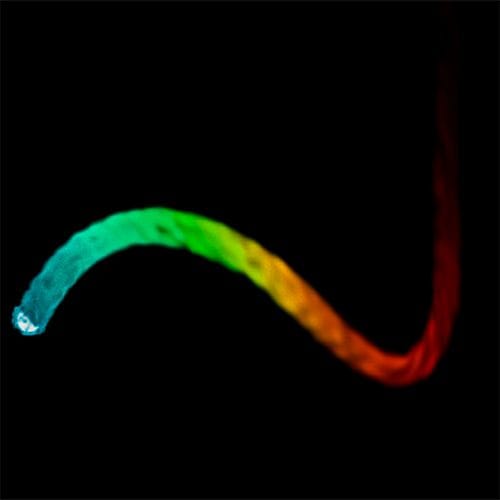
Pyro Simulation for Engine Combustion in Cinema 4D
-
P.S.: Perhaps this is a good enough sketch to get some feedback about your target.
My personal take:
Theoretical there is a spark, then an explosion (all white, HDRI screen 4000+ Nits white ), and then nothing that an eye could perceive, as it fights with the after image and anything else is too weak to cut through. Before we even know it, there is the next one.
So, I assume the stylized idea of it is more what one would expect, hence some rough texture, something that makes us feel that flames expand, and is slowed down to explore.CV4_2026_drs_26_PYcl_01.c4d
Preview
https://projectfiles.maxon.net/Cineversity_Forum_Support/2026_Clips_DRS/20260120_CV4_2026_drs_26_PYcl_01.mp4 -
Hello,
I’m so grateful that you’re helping me!
At the moment, the plan is to cut the engine at certain points to provide a view into the interior. However, making parts of it transparent also sounds like a very good idea. I’ll experiment a bit and see what looks better.
Rendering the four strokes separately also sounds like a reasonable approach to me. Getting everything to work together convincingly all at once will probably be much more difficult.
Thanks again for the links and the C4D file, and best regards,
Marijke -
Hi Marijke,
Thank you very much for the feedback.
As mentioned, I just need a single geometry defining the Cylinder, which should be a small file. Hence, I expected a c4D smaller 1MB that can be attached here.
I try not to be complicated here, sorry if that looks that way.
For security reasons, we have limitations to download only from Dropbox, Google, Apple, Adobe, or Wetransfer, please upload the file to one of these cloud services uncompressed.All the best
-
Hello,
All right, here is a Dropbox folder with the scene:
https://www.dropbox.com/scl/fo/j4k2tvxwtd5pbs4wca9f6/AMYCrdkTHRA_GBEAzcISjNE?rlkey=z7uk27bn84yfy53ti5kzzepih&st=9fknrmfg&dl=0Thank you and best regards,
Marijke -
Hi Marijke,
Thank you very much, and sorry for the extra work.
I got the file and I will have a look in the morning into it.
(Midnight here)Cheers
-
Hello,
that’s no problem at all! I’m just happy that someone is helping me.
Best regards,
Marijke -
Thank you, Marijke,
Here is an example for the 3rd stroke (explosion) and a sketch for particles forth stroke.
It is only a small part of the whole, just to keep the focus on the exploration.
Files:
https://projectfiles.maxon.net/Cineversity_Forum_Support/2026_PROJECTS_DRS/20260122_CV4_2026_drs_26_PYth-ex_01.zip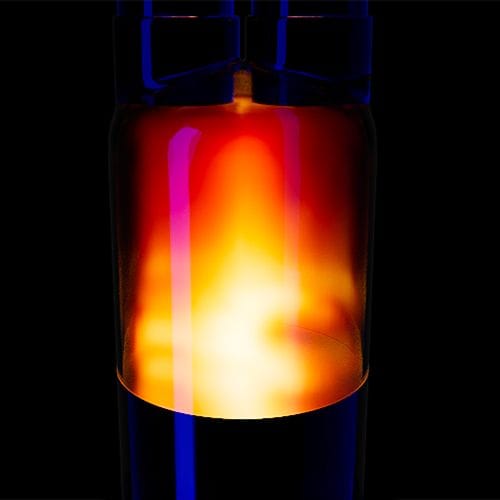
Render this file.
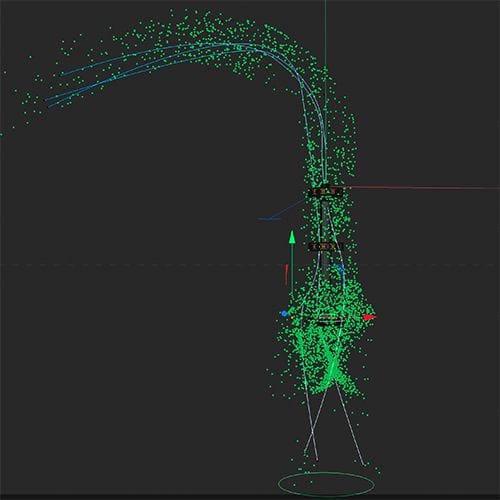
In this file I used one of your valves. Please advice if that was OK, if not I can replace it.I hope that has some usable ideas, or at least something that starts a discussion about where you want to go with the H8 engine.
I believe that given that model to ten artists, you will get ten different results, and perhaps all are interesting. Please let me know.The exhaust fumes inside the muffler are surely pretty fast, and I would expect to see only a gas-like darkening in the tubes. Outside of it, it might culminate in little clouds.
Here is one idea to produce tiny “vdb” files that could be used.
https://youtu.be/6YVd6edVxps?si=5xwZBy8Oltsk-3hY&t=708I assume you have seen this, but just in case:
https://cineversity.maxon.net/en/series/getting-started-with-cinema-4d-pyro?tutorial=getting-started-with-cinema-4d-pyro-filling-a-box-with-smoke-and-igniting-itEnjoy
-
P.S.: just a little example. Colors set to support the demo. Eventually place the spline as well into the Field. Enjoy.
-
Hello,
I’ve had a look at the scenes, and they really help me a lot to improve the issues in my scene.
Thank you very much for that, and for taking the time to do this!
Kind regards,
Marijke -
Sounds great, Marijke.
Let me know if there is anything else. I'm happy to look into it.
My best wishes for your project