@Dr-Sassi
Thank you for your response!
It was the model. I spent some time last night going over the topology and was able to find the solution. Thank you for guiding me to the answer.
Shawn
@Dr-Sassi
Thank you for your response!
It was the model. I spent some time last night going over the topology and was able to find the solution. Thank you for guiding me to the answer.
Shawn
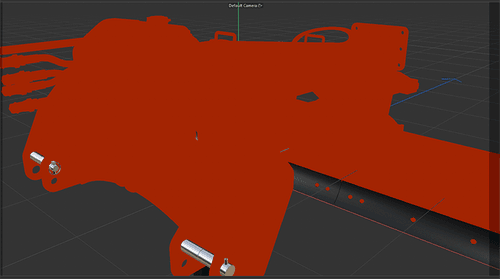
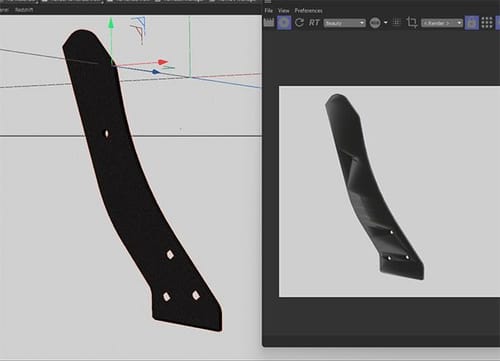
I found a material that I liked (from PixelLab). I applied it to a portion of a model that I was sent via CAD. The model in preview looks great, but once the material is applied the topology goes squirrely. I feel like i should know the answer to this problem, but i have drawn a blank here. I have created other materials myself and applied them and the material looks decent. Any idea as to what I might have going on here?
Thanks for the help!
@Dr-Sassi
Hi Dr.
So, your comment is what I was thinking as well. The export is what got me. No Worries then, I won't have time for them to send another unfortunately.
Thank you for letting me know. I appreciate it.
Shawn
Hey everyone - I've recently received a CAD file that has 40 polygons within a null and there are potentially 200 Nulls. Is there an easy way to have all the null objects 'connect + delete while keeping all nulls separate? so - just all the polygons within that null are connected into individual objects. Each object needs potential different things to happen so I don't want them all combined, just the polygons within.
Thanks!